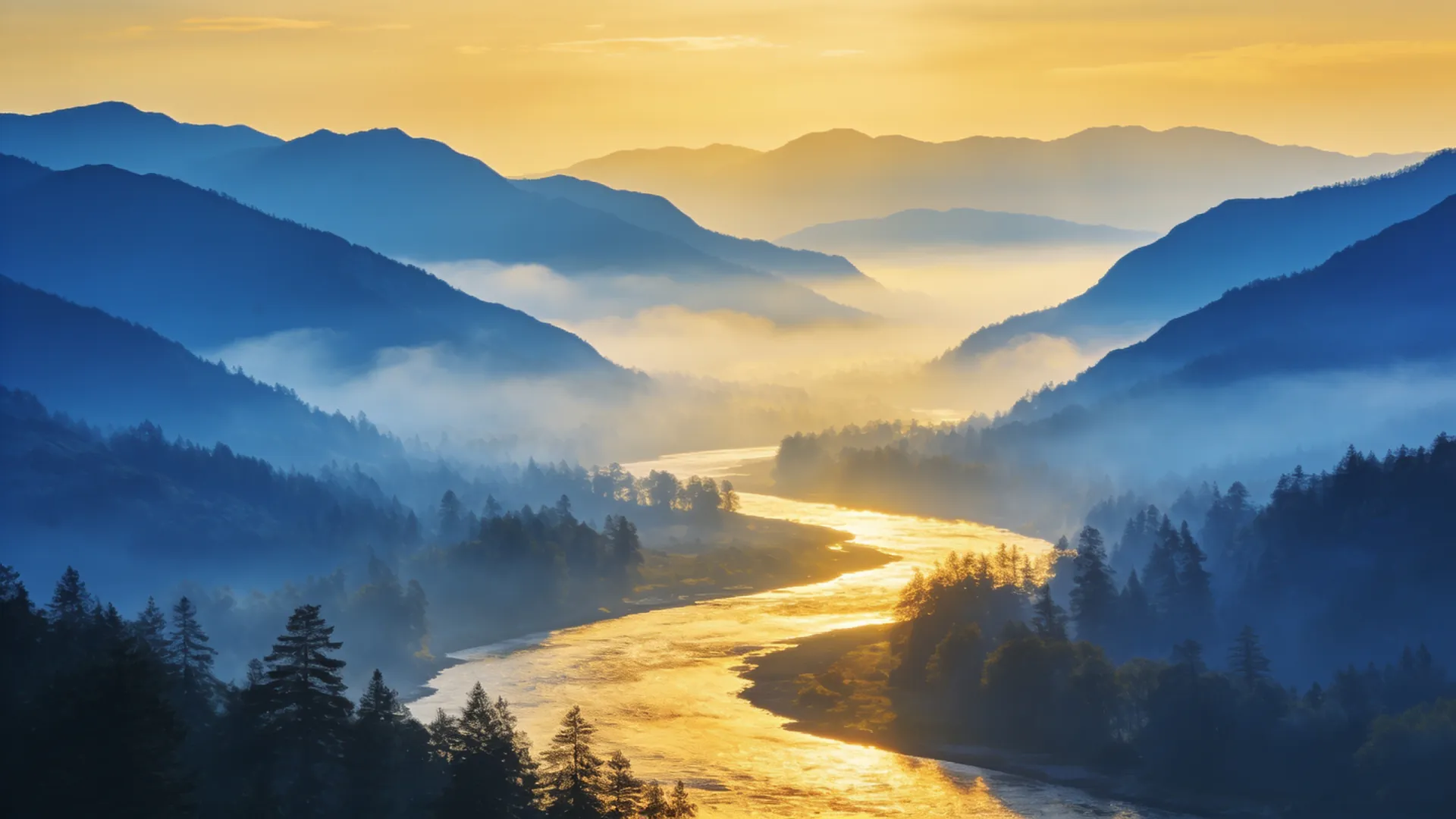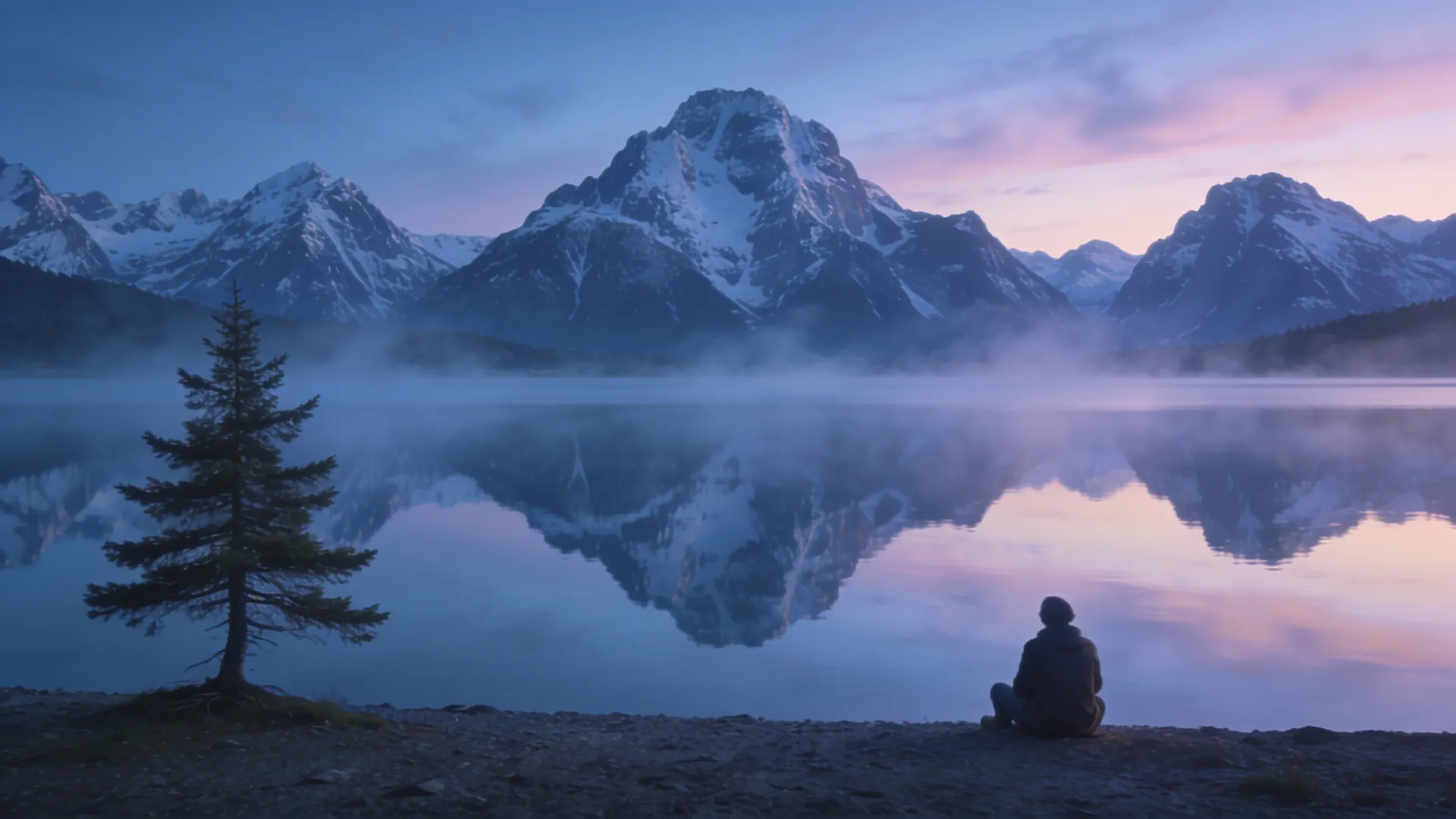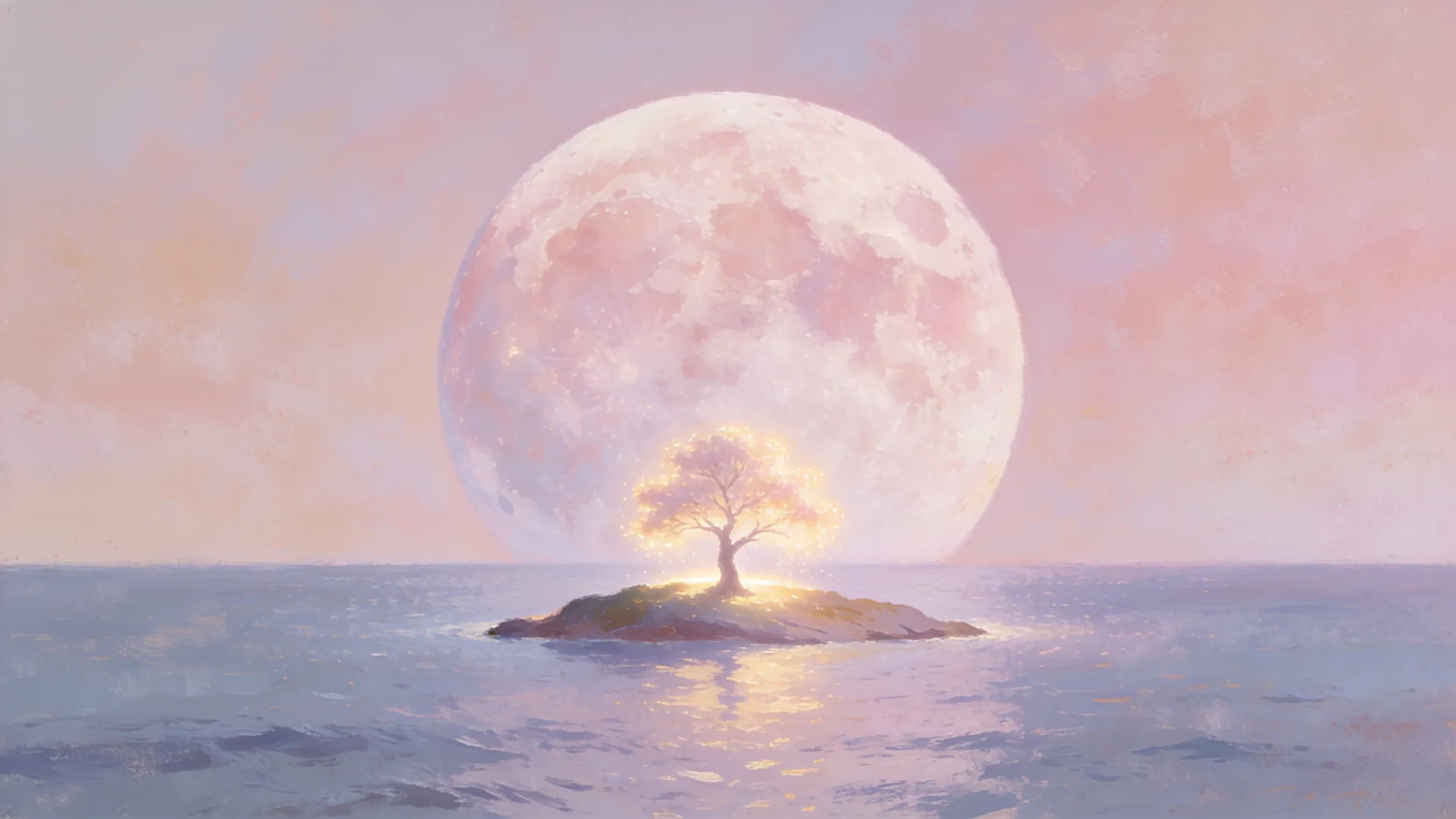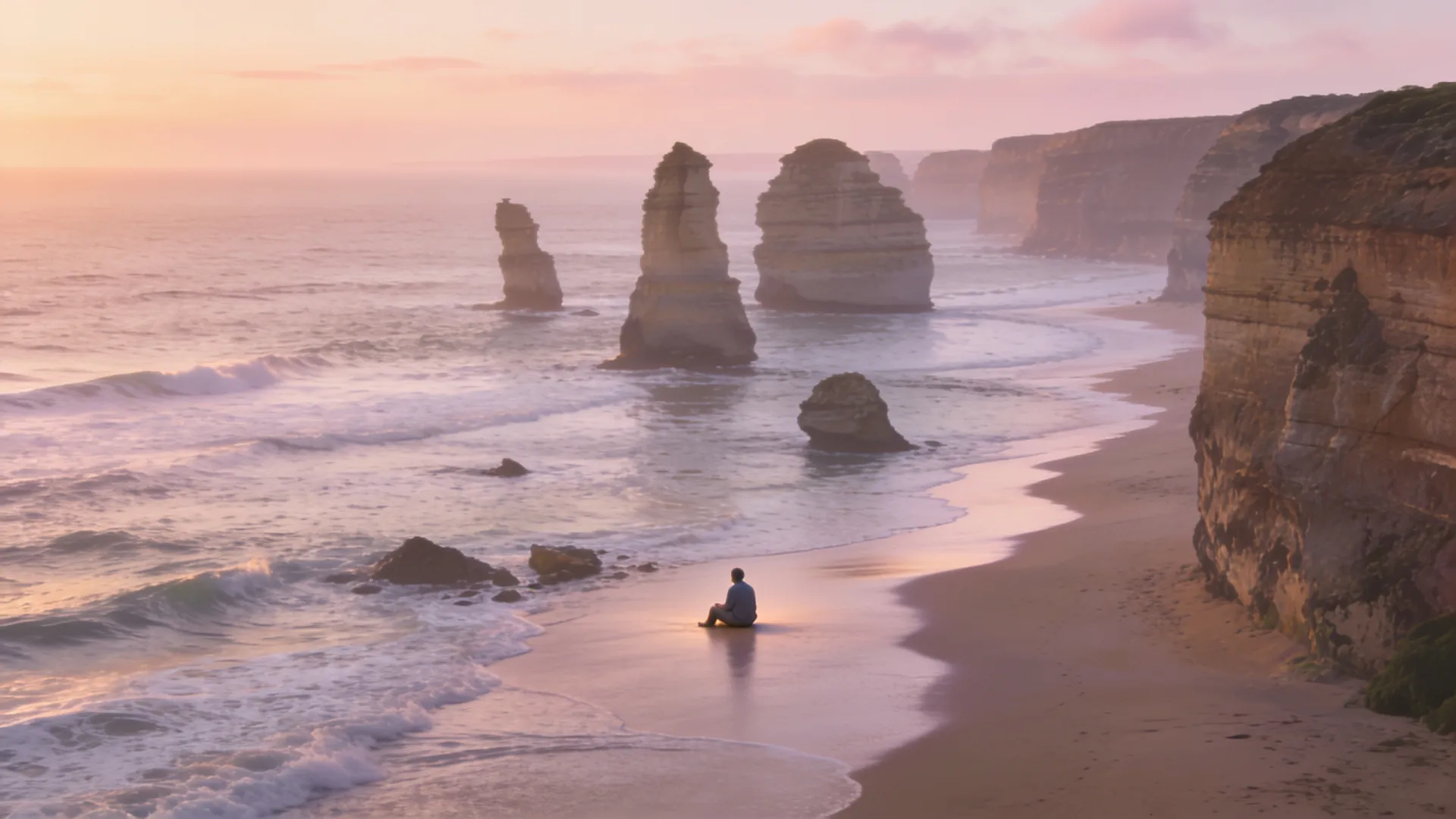
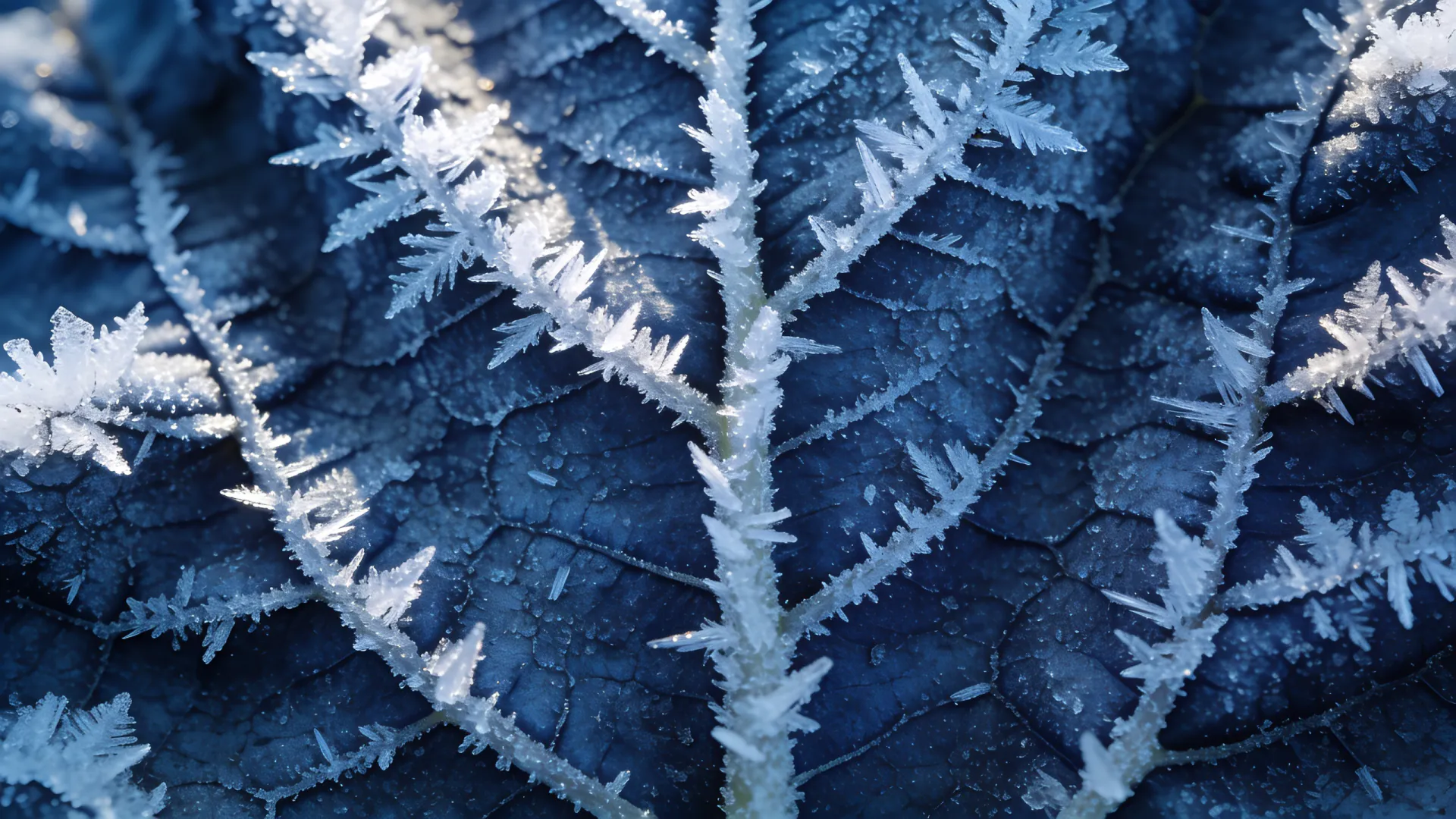
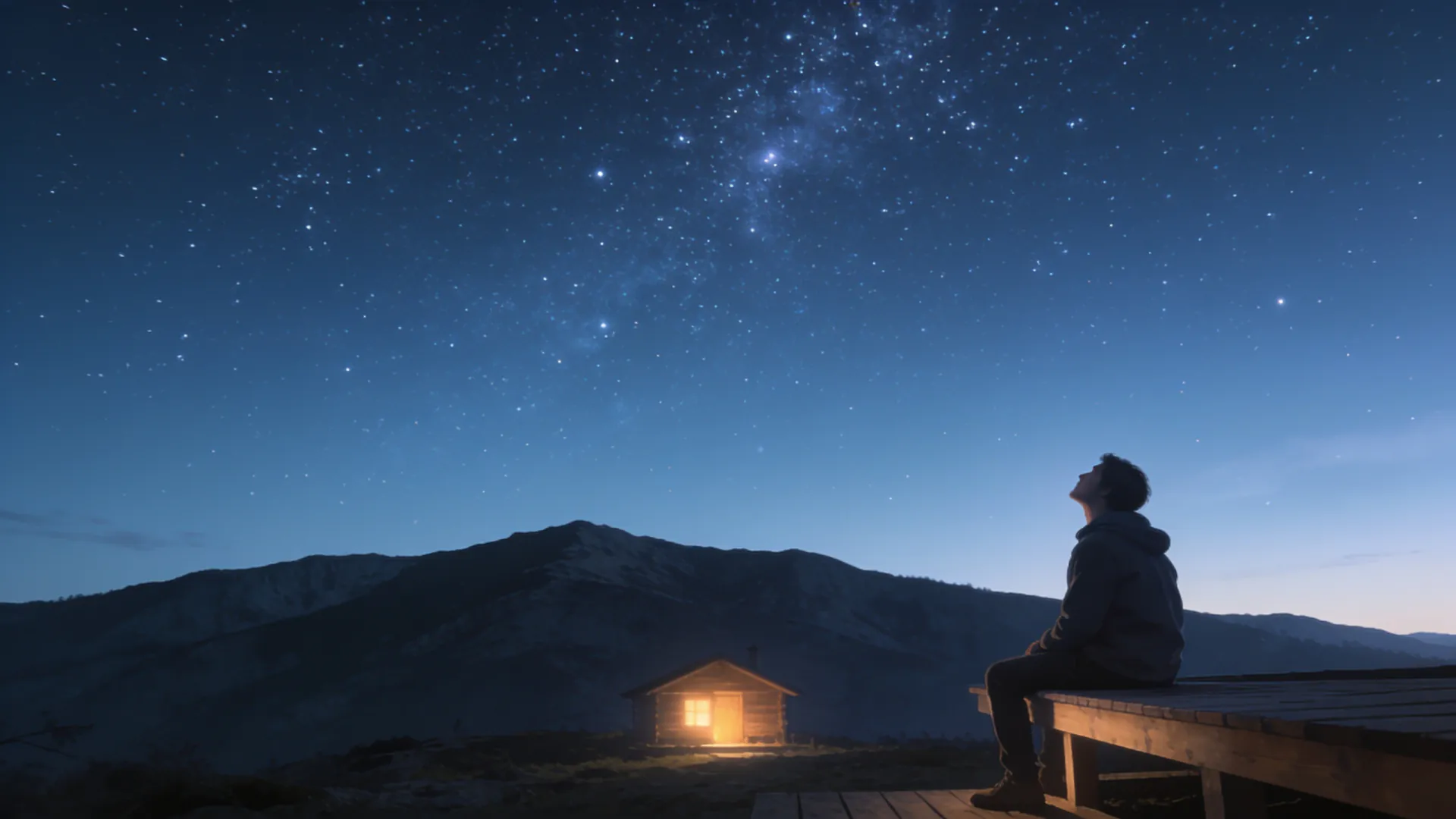
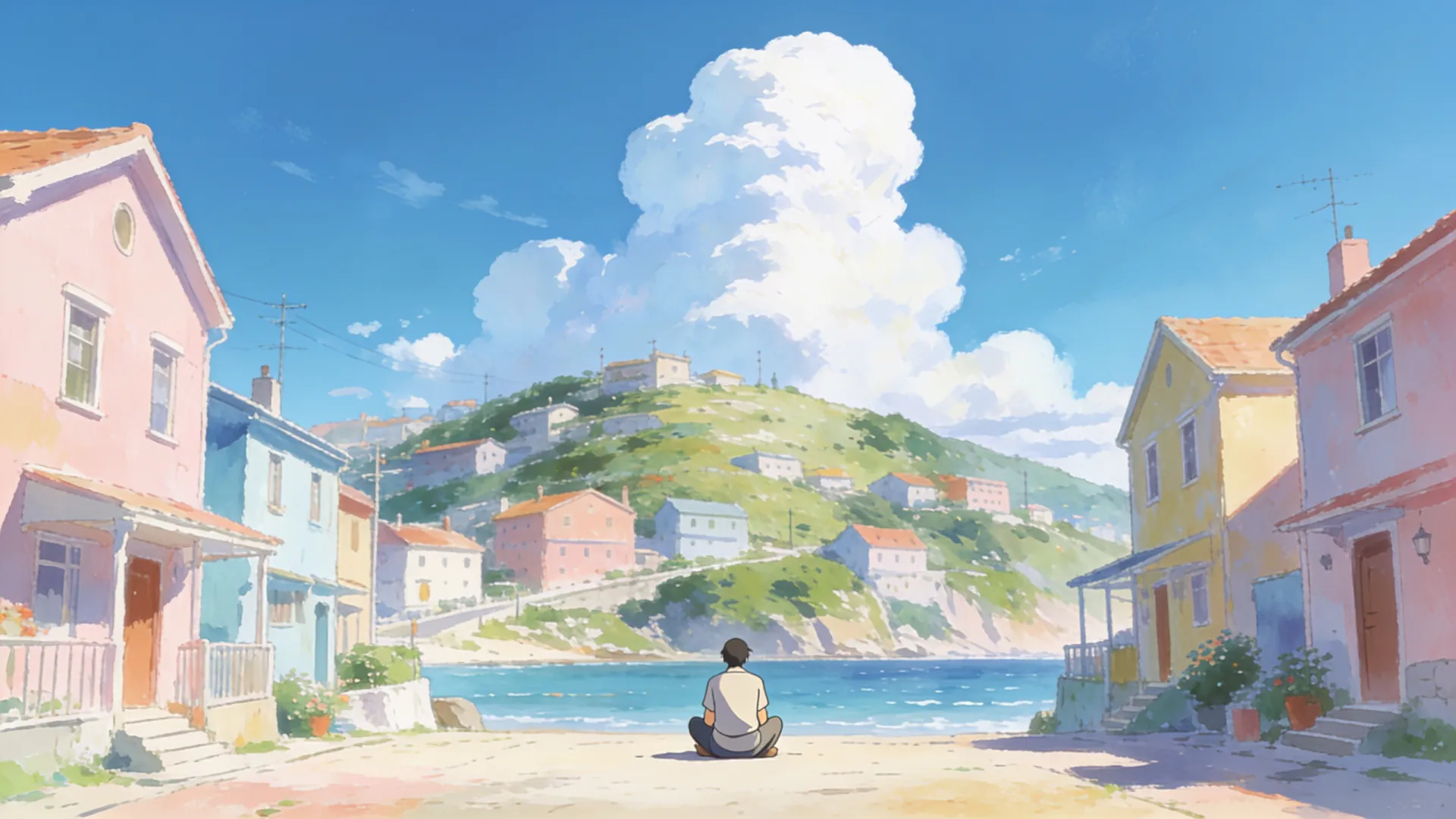
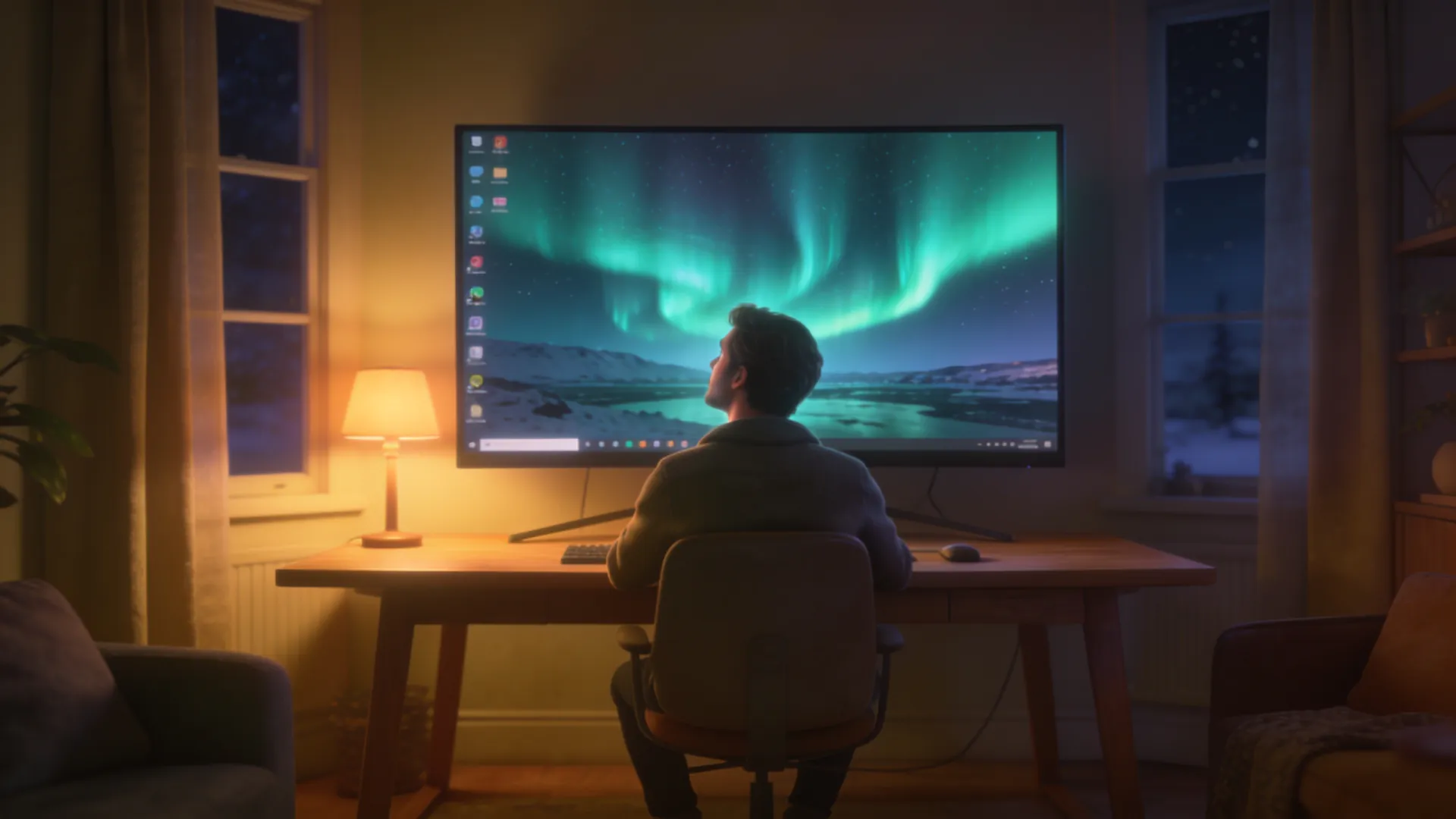
21:9 panoramas, croppable to 32:9

Ultrawide wallpaper generator for 21:9 monitors

Describe a panorama and Nano Banana 2 paints it at 21:9, up to 6336 × 2688 pixels, so a 3440 × 1440 ultrawide shows it without stretching.

  • True 21:9, not stretched
  • Up to 6336 × 2688
  • Croppable to 32:9
Try
Model
Shape
Resolution
Wallpapers

20 credits

Buy credits

At a glance

The ultrawide wallpaper generator makes 21:9 panoramas with Nano Banana 2: 3168 × 1344 at 2K or 6336 × 2688 at 4K, for 20 credits each. At 4K that covers 3440 × 1440 and 5120 × 2160 ultrawide monitors, and a 4K panorama cropped to 6336 × 1782 covers a 5120 × 1440 super-ultrawide or two 1440p monitors side by side. Seedream 4.5 offers no 21:9 size here.

Model
Nano Banana 2; Seedream 4.5 offers no 21:9 size here
21:9 sizes
3168 × 1344 (2K) or 6336 × 2688 (4K)
Price
20 credits per wallpaper, about $0.18–$0.25; packs from $4.99
Fits
2560 × 1080 at 2K; 3440 × 1440 and 5120 × 2160 at 4K
32:9 and dual screens
Crop a 4K panorama to 6336 × 1782
Account
Free to sign up; wallpapers use purchased credits

Built for wide screens

  • 01

    True 21:9, not stretched

    The model draws the panorama at 21:9 from the start, so you are not stretching a 16:9 image or leaving black bars at the sides.

  • 02

    Composed as a panorama

    Every 21:9 request asks the model to spread the scene across the full width, with the focal point near the center, where your eyes rest.

  • 03

    Room to crop for 32:9

    At 4K the image is 6336 × 2688; crop it to 6336 × 1782 and it covers a 5120 × 1440 super-ultrawide or two 1440p monitors.

  • 04

    Detail across the width

    6,336 pixels across keep fine detail on large curved screens, for the same 20 credits as at 2K.

How to make an ultrawide wallpaper

  1. 01

    Describe a wide scene

    Landscapes, skylines and skies that continue to both sides work best.

  2. 02

    Keep Nano Banana 2, 21:9 and 4K

    The page starts on these settings; Seedream 4.5 does not offer 21:9 here.

  3. 03

    Download, crop if needed, set

    Set it with Fill; for a 32:9 screen, crop the top and bottom first.

Ultrawide monitor sizes

Monitors sold as 21:9 are a little wider than exact 21:9, and a 4K panorama of 6336 × 2688 covers each of these with Fill:

  • 2560 × 1080, sold as 21:9
  • 3440 × 1440, sold as 21:9
  • 3840 × 1600, a 24:10 ultrawide
  • 5120 × 2160, sold as 21:9 5K2K
  • 5120 × 1440 and 3840 × 1080 super-ultrawides at 32:9: crop first
How to make a 32:9 or dual-monitor wallpaper

Super-ultrawide monitors and two 16:9 monitors side by side are both 32:9, wider than any shape the models make directly. Make a 21:9 panorama at 4K and crop it:

  • Generate the panorama at 21:9 and 4K
  • Crop it to 6336 × 1782, removing equal strips from the top and bottom
  • Windows: Settings, Personalization, Background, then Span for two monitors or Fill for one
  • macOS sets one picture per display, so split the image into a left and a right half for two screens

Prompts that suit a panorama

A 21:9 frame is more than twice as wide as it is tall, so think in landscapes:

  • Describe a scene that continues to both sides: a range, a coastline, a skyline.
  • Put the focal point near the center, where your eyes rest.
  • Avoid one close-up subject; it leaves the sides empty.
  • Keep the far left and right calmer; icons and windows sit there.
  • Name the light: golden hour, blue hour or night.

Ultrawide wallpaper FAQ

Why does ultrawide use Nano Banana 2 only?

Seedream 4.5 has a 21:9 size at 2K only, so the generator offers 21:9 with Nano Banana 2, which has it at both 2K and 4K. Every other shape works with both models.

Will it fit my 3440 × 1440 monitor?

Yes, at 4K. The panorama is 6336 × 2688; with Fill, the monitor scales it down to its width and trims a few pixels from the top and bottom. The 2K size, 3168 × 1344, is slightly smaller than that screen, so pick 4K.

Can I make a 32:9 wallpaper?

Not directly. Make a 21:9 panorama at 4K and crop it to 6336 × 1782: that covers a 5120 × 1440 or a 3840 × 1080 super-ultrawide.

Can I span one wallpaper across two monitors?

Yes, for two monitors of the same size side by side: crop a 4K panorama to 32:9 and choose Span in the Windows background settings. On a Mac, set the left half on one display and the right half on the other.

How much does an ultrawide wallpaper cost?

20 credits per wallpaper with Nano Banana 2, at 2K or 4K, about $0.18–$0.25 depending on the plan or pack; the smallest pack is $4.99 for 400 credits. Signing up is free; there are no free trial credits.

Fill the whole width

Describe a panorama and get it at 21:9 in 4K.

Last updated October 23, 2026

Create your free account